

This Content Is Only For Subscribers
If you’ve managed rentals for more than a season, you’ve lived the holiday timing dance: checks that “went out Friday,” envelopes that sit in a sorting center, bank holidays stacked next to weekends, and tenants who swear the mailman is personally plotting against their ledger. You can’t fix USPS routing or bank calendars—but you can design a rent collection system that doesn’t depend on the mailbox at all.
This guide breaks down the practical options for taking rent online, how to set them up without creating new headaches, and the playbook to move residents over before the next cold front and Christmas shipping spike. It’s written for busy owners and managers who want fewer excuses, faster funds, and clean records for tax season.
Why “mail-free” matters most in December and January
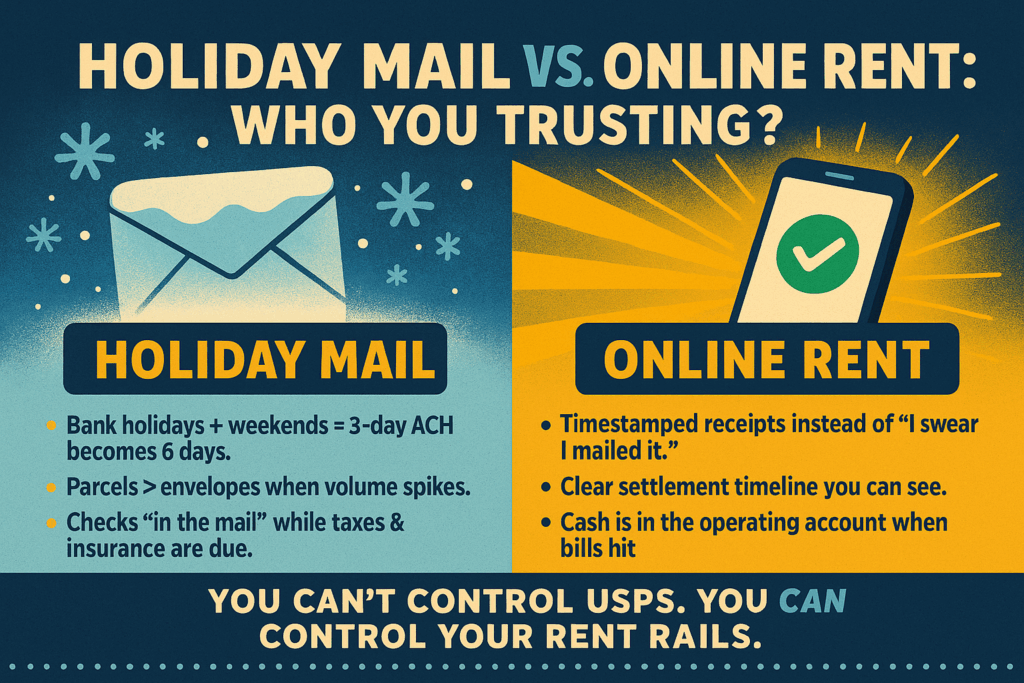
- More non-business days. Federal holidays (and the “observed” Mondays) turn a 3-day ACH into a 6-day wait.
- Peak volume + weather. Holiday parcels crowd out flats; sudden cold snaps slow local delivery.
- Year-end budgets. You need cash in the operating account to pay property taxes, insurance renewals, and vendor invoices. Delayed checks create cascading late pays.
Going digital isn’t just about convenience. It’s risk reduction. When residents pay online, you replace “mailed on time” arguments with timestamped confirmations and a clear settlement timeline.
Your online payment toolbox: four workable approaches
You don’t need every tool. Pick the stack that matches your portfolio size, tenant mix, and bookkeeping setup.
1) Property-management platforms (all-in-one portals)
What it is: Resident portals inside tools you may already use for leases and maintenance. Tenants pay via ACH or card; payments auto-post to the ledger.
Best for: Small to large portfolios that want accounting + payments under one roof.
Pros
- Auto-receipts, rent rules (late fees, grace periods), and integrated reporting.
- Easy to push automated reminders and past-due notices.
- Cleaner year-end because payouts tie to unit ledgers automatically.
Cons
- Per-unit software costs and processing fees.
- Setup takes a little project discipline (bank verification, rules, resident invites).
Holiday tip: Enable scheduled payments so residents can set it-and-forget-it for January 1—even if they’re on the road.
2) Bank-to-bank ACH processors (standalone)
What it is: A payment processor that links bank accounts securely and pushes ACH to your operating or trust account. You embed a pay link or button.
Best for: Self-managing owners or small teams that don’t need a full PMS but want ACH with receipts and basic reconciliation.
Pros
- Lower cost per transaction than cards.
- Faster onboarding than full portals; simple for tenants.
Cons
- You’ll still post entries into your books manually (or with a CSV import).
- Limited lease logic (partial-payment rules, fee automation) unless you integrate.
Holiday tip: Post ACH cutoff times prominently: “Payments submitted after 4 p.m. Central may process next business day.”
3) Card payments (debit/credit)
What it is: Tenants pay rent by card; you get near-instant approval and 1–2 business-day funding.
Best for: Residents who insist on points/miles or need the float; owners who want funds fast and are OK with fees.
Pros
- Immediate authorization (useful for move-in balances).
- Back-up channel when bank-to-bank is down.
Cons
- Higher fees.
- Chargeback risk—have a signed lease, rent rules, and receipts lined up.
Holiday tip: Offer cards as a secondary option; set expectations that fees are resident-paid (where permitted) and that chargebacks will contest with signed documentation.
4) Cash-to-ACH networks (barcode pay at retail)
What it is: Residents take a barcode to a participating retailer, pay in cash or debit, and funds route to your account with a digital receipt.
Best for: Cash-preferred tenants, people without reliable bank accounts, or portfolios with many workforce renters.
Pros
- No money orders to track; fewer “lost” payments.
- Real-time confirmation for the resident and your team.
Cons
- Small convenience fee to the payer.
- You still need to create/assign barcodes by unit and reconcile to the ledger.
Holiday tip: It’s the cleanest replacement for money orders when grocery stores get slammed pre-holiday.
Fee strategy: who pays what (and why)
- ACH: Usually cheapest; most landlords absorb this to drive adoption.
- Cards: Common to pass fees to residents (confirm your lease/market allows it; keep disclosures clear).
- Cash networks: Small resident-paid fee; worth it to eliminate manual posting and photo texts of crumpled receipts.
Think in outcomes: the cost of one late fee dispute or bank run will dwarf a month of ACH fees. Design for speed and clarity first.
The operational must-haves (so digital doesn’t create new problems)
Partial payments: enable or disable?
- Disable when you’re enforcing nonpayment remedies.
- Enable with rules for normal months (example: allow partials only after base rent is satisfied or with an approved payment plan). Consistency is key—apply the same rule to everyone.
Cutoff times and business days
Post plain-English banners in the portal:
“Payments submitted after 4:00 p.m. CT or on weekends/holidays will process on the next business day. To avoid fees, schedule by [date/time].”
NSF/returns workflow
Have a written sequence: automatic reversal in the ledger, resident notification, late-fee rules per lease, and whether online access is paused after multiple returns. Keep it predictable.
Receipts, rules, and export
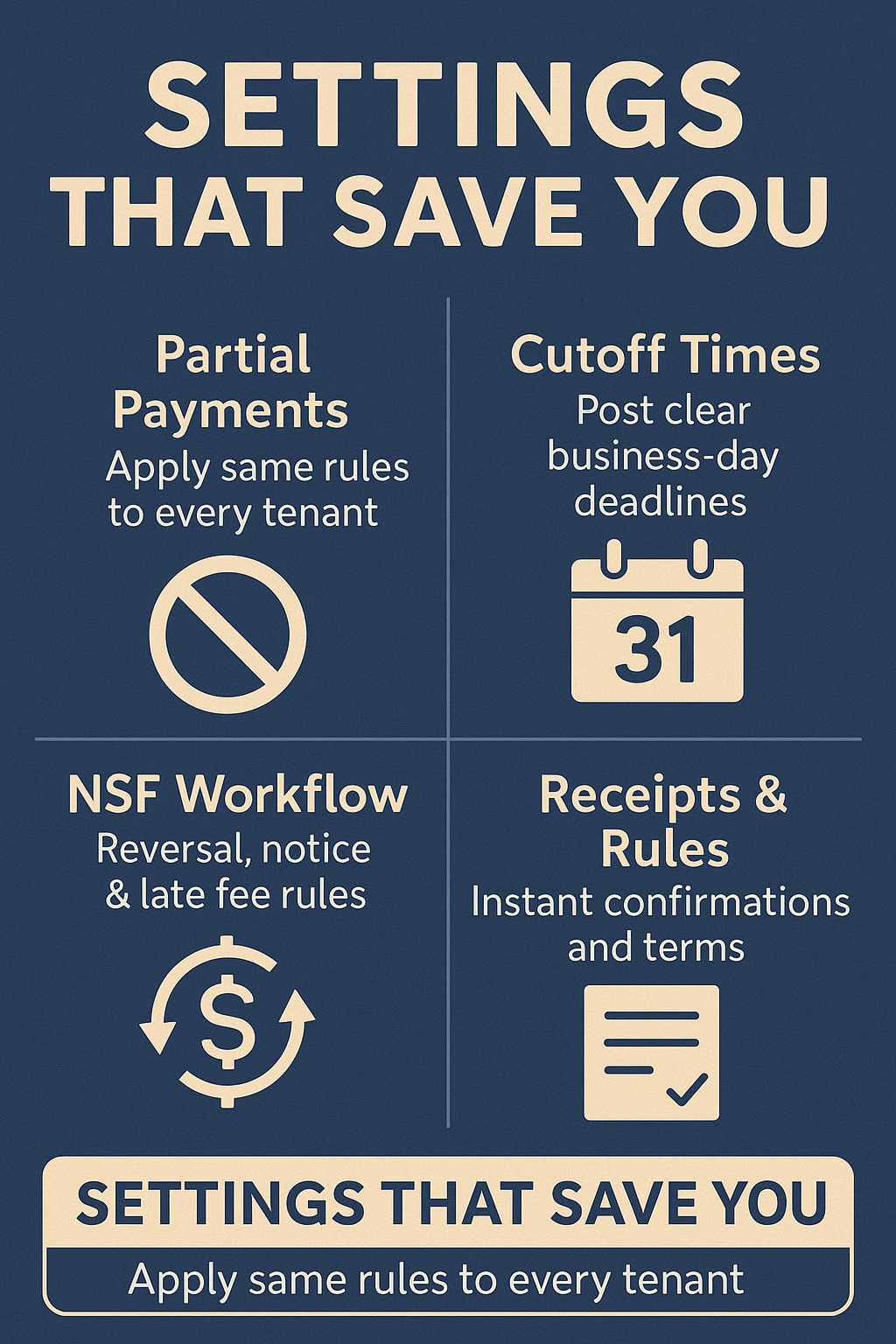
Residents should receive instant email/text receipts with amount, date/time, and last-4 of the account. Your team should be able to export settlement reports by month, property, unit. At year-end, these reports feed your CPA neatly.
Rollout playbook: move residents online before the rush
60 days out
- Pick your tool, connect the operating/trust account, and decide on fees.
- Set rent rules (due date, grace period, late-fee logic) and partial-payment settings.
- Prepare a FAQ: fees, security, cutoff times, what counts as “on-time,” and where to get help.
30 days out
- Send postcards and emails with “We’re going online Jan 1” messaging, QR codes, and three steps to enroll.
- Put sign-up tablets in the office; offer 5–10 minute appointments to walk residents through linking accounts.
- Create and print cash barcodes for anyone who prefers paying that way.
Two weeks out
- Text reminder with enroll link, “set recurring payment,” and cutoff times.
- Field test: run a $1 test payment on your own account, verify receipts, confirm ledger posting.
Rent week
- Staff a help hour (virtual or lobby) for last-minute questions.
- Watch for first-time failures (typo’d routing numbers); reach out the same day with a friendly “let’s fix this together” script.
After month one
- Publish adoption stats property-wide and say thanks. Share the impact (“95% on time; no holiday mail delays!”).
Messaging templates you can steal
Announcement (email/postcard)
Great news—starting January 1, you can pay rent online by bank transfer, card, or cash at partner retailers. It’s fast, secure, and you get an instant receipt. Enroll here: [link/QR].
Heads-up: Bank holidays slow paper checks and money orders. Online payments post with a timestamp you can see.
Cutoff reminder (text on 27th)
Rent is due Jan 1. Schedule your online payment now—payments after 4:00 p.m. CT or on holidays process the next business day. Enroll: [short link].
NSF follow-up (email/text)
Your bank returned last month’s online payment. Please update your info and resubmit today: [link]. Per your lease, a returned-payment fee may apply. We’re happy to help—reply with a good time or call [number].
Security and compliance: quiet protections that matter
- Use tokenized bank links (no storing full account numbers in your email).
- Two-factor authentication for staff logins and resident portals.
- Role-based permissions—bookkeepers don’t need admin authority to change rules.
- Paperless policy: stop accepting card numbers over the phone or on paper forms.
- Data retention: export monthly reports; purge personal documents per your retention policy.
For late fees and notices, follow your lease and applicable law; if you’re unsure, ask counsel before changing fee structures or due-date language. The right tool won’t fix a noncompliant policy.
Holiday-proof rules that reduce disputes
- “Received” means portal timestamp, not “mailed.”
- Clear grace period (if any) stated in days, not vibes.
- Late fee calculation and returned-payment fee stated plainly in the lease and mirrored in the portal.
- Office drop box is not on-time unless posted otherwise. If you keep a drop box, time-stamp with a camera or accept online only after a certain date.
- Auto-reminders: send on the 27th and 1st; past-due reminders on the 4th and 8th.
Consistency makes holiday “but the bank was closed” conversations short and civil.
Handling edge cases without losing your mind
- Shared payers/roommates: Use split-payment features where available, or require one full payment per lease to avoid partial-payment stand-offs.
- Employer-paid housing stipends: Invite the employer to push ACH directly; give them the portal instructions and a unique memo code to map funds to the right unit.
- Subsidies or vouchers: Keep the resident portion online; treat agency payments as separate remittances and reconcile monthly.
What to track (so you can keep improving)
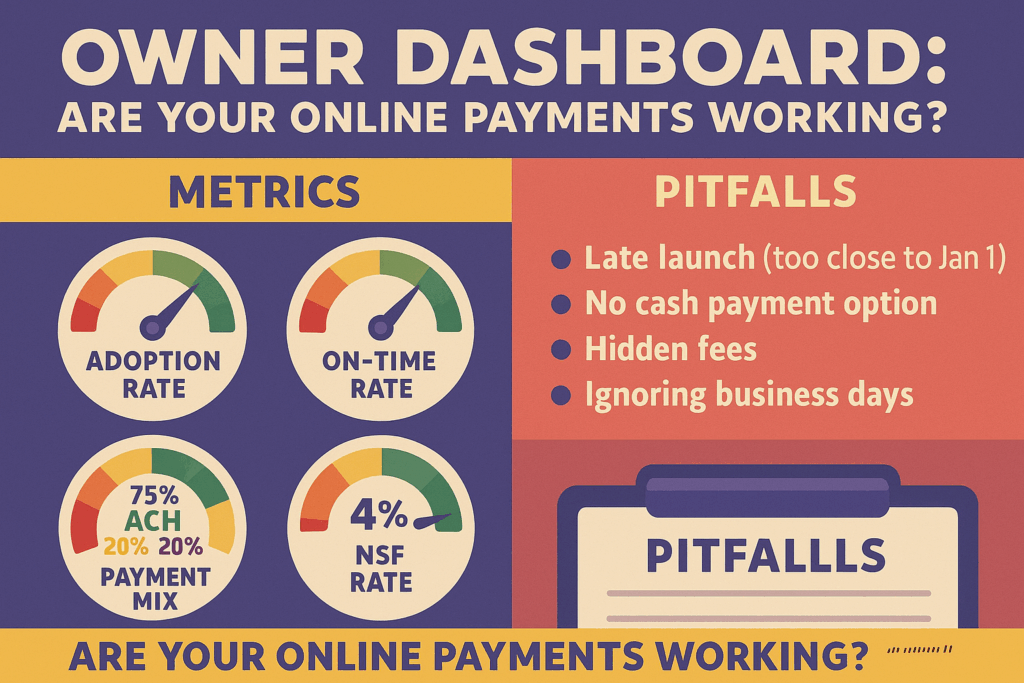
- Adoption rate: % of units enrolled online.
- On-time rate: % paid by the due date vs. grace period vs. late.
- Payment method mix: ACH vs. card vs. cash network.
- NSF/return rate: by method and by property.
- Support volume: how many residents needed help; top 3 issues.
Share these metrics with your team monthly. When something spikes (returns, card chargebacks), revise settings or messaging quickly.
Avoiding common pitfalls
- Waiting until December 28 to launch. Start 60 days out; expect a learning curve.
- Turning off paper without a cash alternative. You’ll push residents to money orders again. Offer a retail cash barcode option.
- Hiding fees. Residents accept fees when they’re upfront and optional (e.g., “ACH is free, card has a convenience fee”).
- Ignoring business days. Put holiday calendars in your reminders—“Banks closed Jan 1; schedule by Dec 29 at 4 p.m.”
- No fallback plan. If a processor goes down, have a published backup link or second rail (ACH alt or cash barcode).
The payoff you’ll feel in January
When rent is online, your first week of the month starts with funded deposits, automatic receipts, and fewer “check is in the mail” loops. Your bookkeeping gets cleaner, residents can pay from a phone while visiting family, and the property’s cash flow isn’t held hostage by the calendar or the weather. Best of all, you walk into tax time with digital trails your CPA will love: who paid, when, by what method, and how those funds mapped to the ledger.
Holiday mail will keep having its moments. Your rent process doesn’t have to. Move the payments online, set clear rules, give residents simple options, and communicate earlier than you think you need to. The next time the forecast says “blue norther,” you’ll be checking settlements—not the mailbox.


