

This Content Is Only For Subscribers
You don’t need a dozen tools and a second degree in IT. If you’re a Texas landlord trying to level up your systems this year, you really just need a few solid apps that talk to each other and save you from “Wait… did I text that tenant back?”
Here’s a simple starter stack: five categories, a few example apps in each, and what they actually do for you.
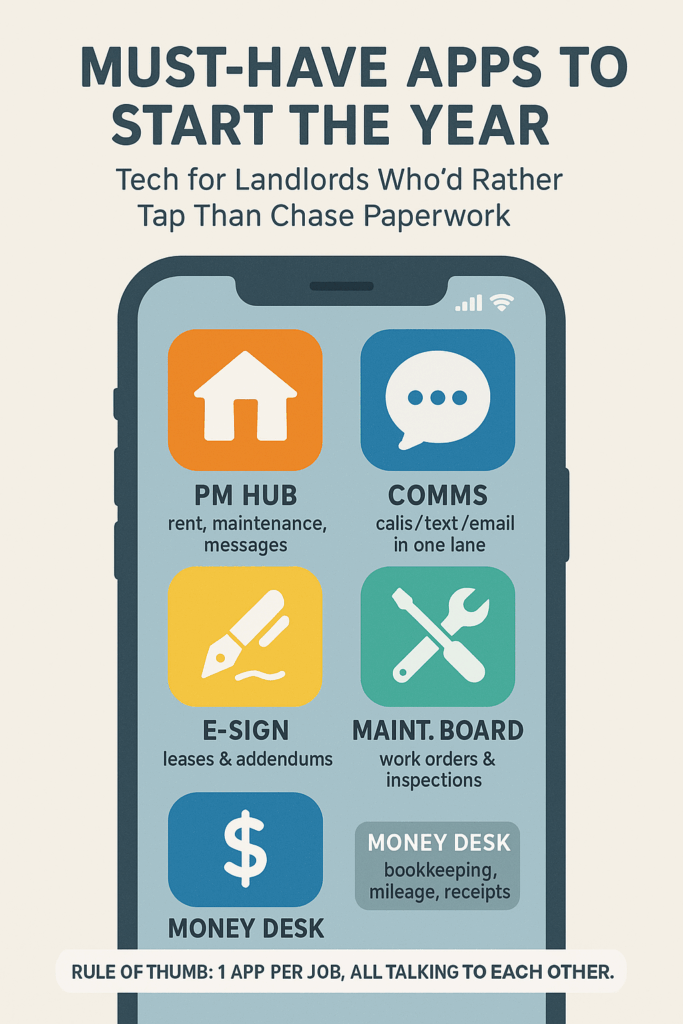
1. Property Management / All-In-One Hub
If you only pick one category, make it this one.
Look for an app that covers, in one place:
- Online rent payments (card/ACH)
- Maintenance requests
- Message history with tenants
- Basic reporting (income, expenses, late rent list)
Popular picks in this space include platforms like AppFolio, Buildium, RentRedi, and Avail, which bundle payments, maintenance, screening, and reporting for small to mid-size portfolios.
Why you need it:
This becomes your “source of truth.” When there’s a dispute—about late fees, a repair timeline, or who said what—you can pull everything from one place instead of digging through email, texts, and sticky notes.
If you’re under ~10 units and not ready for a full-blown platform, even a lighter tool that does online payments + maintenance tracking is a huge upgrade.
2. Digital Signatures & Document Storage
Stop printing, signing, scanning, and emailing like it’s 2009.
Use an e-signature tool that lets you:
- Send leases and addendums by email
- Get signatures on phone or laptop
- Auto-store signed PDFs in one folder you don’t have to hunt for
Services like DocuSign, Adobe Acrobat Sign, and HelloSign (Dropbox Sign) are widely used in real estate for lease and contract workflows.
Pair that with:
- Cloud storage (Google Drive, OneDrive, Dropbox)
- A simple folder structure per property (Lease, Photos, Notices, Invoices)
Why you need it:
When you’re sitting in court or on the phone with an attorney, “I’m sure I have that somewhere” is not the energy you want.
3. Communication & Tenant Updates
Your sanity improves dramatically when you standardize how tenants contact you.
Best case: your property management app has built-in messaging/portal and you funnel everything there.
If not, consider:
- A shared business text/phone app (like Google Voice, OpenPhone, or similar) so you’re not handing out your personal number and can keep a clean thread per tenant.
- A simple email rule: all property stuff goes through a dedicated email address (e.g., rentals@yourdomain.com).
Some landlords also use announcement tools or community apps built into their PM software for broadcast messages (water shutoffs, freeze warnings, etc.).
Why you need it:
When something goes sideways, being able to show, “Here’s exactly what I sent and when” is priceless.
4. Maintenance & Inspection Tools
You can absolutely manage maintenance with text and sticky notes—until you can’t.
Upgrade to:
- Maintenance tracking inside your PM app, or
- A dedicated ticket app (even something as simple as Trello/Notion/Asana if you’re small), where each issue is a card with:
- Photos
- Date reported
- Vendor notes
- Costs
For inspections:
- Use your phone’s camera + a note app (Notion, Evernote, OneNote) or dedicated inspection app to:
- Record move-in / move-out photos
- Save checklists per property
- Tag “follow-up needed” items
Many modern PM platforms now include mobile inspection checklists and photo upload from your phone, which keeps condition records tied to each unit.
Why you need it:
You won’t remember how that wall looked 18 months ago. Good photos and timestamps will.
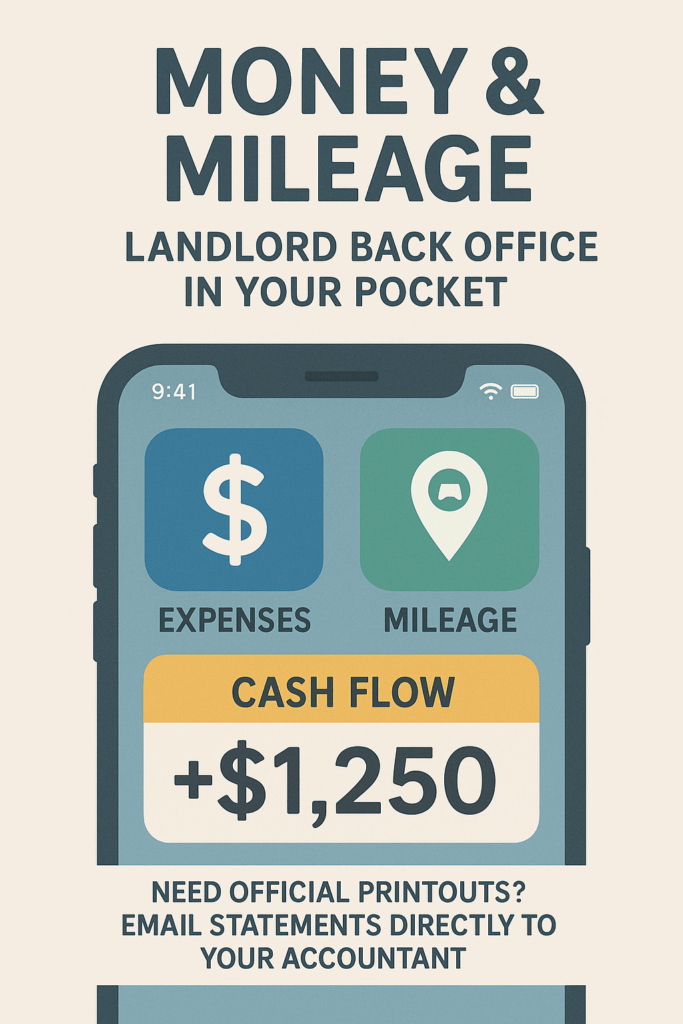
5. Money & Mileage: Landlord’s Back Office
Finally, apps for the stuff the IRS and your CPA actually care about.
Bookkeeping
- If your PM software doesn’t fully handle accounting, pair it with QuickBooks Online, Wave, or a similar bookkeeping app.
- Set up categories like:
- Rent income
- Maintenance
- Capex (big improvements)
- Property taxes, insurance, HOA
Mileage & receipts
- Use a mileage app (MileIQ, Everlance, etc.) to automatically track trips to and from properties.
- Snap pictures of receipts into your bookkeeping or receipt app so they never live crumpled in your truck.
Cloud accounting tools designed for small businesses are widely used by landlords to simplify tax prep and track property performance through the year.
Why you need it:
Come tax season, you’ll either pay in time or in pain. Good apps let you choose less of both.
How to Roll This Out Without Overwhelm
You don’t need to adopt everything on January 1st.
Here’s a realistic 3-step plan:
- Pick your “hub” app first
Choose the property management / payments tool. Everything else wraps around that. - Add e-sign + cloud storage
These two changes alone will make you feel 50% more organized. - Layer in maintenance + bookkeeping
Once the front-end (rent & leases) is digital, start tracking repairs and money flow in apps instead of your memory.
If an app doesn’t clearly save you time, reduce mistakes, or help in a dispute, it’s optional. The goal isn’t to be the most “techy” landlord; it’s to be the landlord who knows what’s going on without having to dig through a glove box.


